Your assistant sends within limits by default
Updated
A connected app such as ChatGPT or Claude sends faxes inside the limits your organization set, with no approval per fax. That is the default. The limits are two numbers on one Settings card: the amount per fax and the faxes per day. Turn the switch off and every send waits for a person. This guide shows the card, a change to a limit, where the setting shows under Policies, and what happens when the switch is off. It was recorded in Sandbox mode, so nothing reached a real fax line.
Before you start
- A Fax for Agents account. The dashboard is at app.faxforagents.com. Only an owner changes the switch and the limits. Other members read "Owners only. Ask an owner to change it."
- At least one connected app. ChatGPT, Claude, Claude Code or a connected-app API key all count. The grants are listed under "Who is connected" on the same page.
- The switch is on by default in both environments. The default limits are $5.00 per fax and 20 faxes a day. Sandbox and Live each keep their own.
1.Open Settings
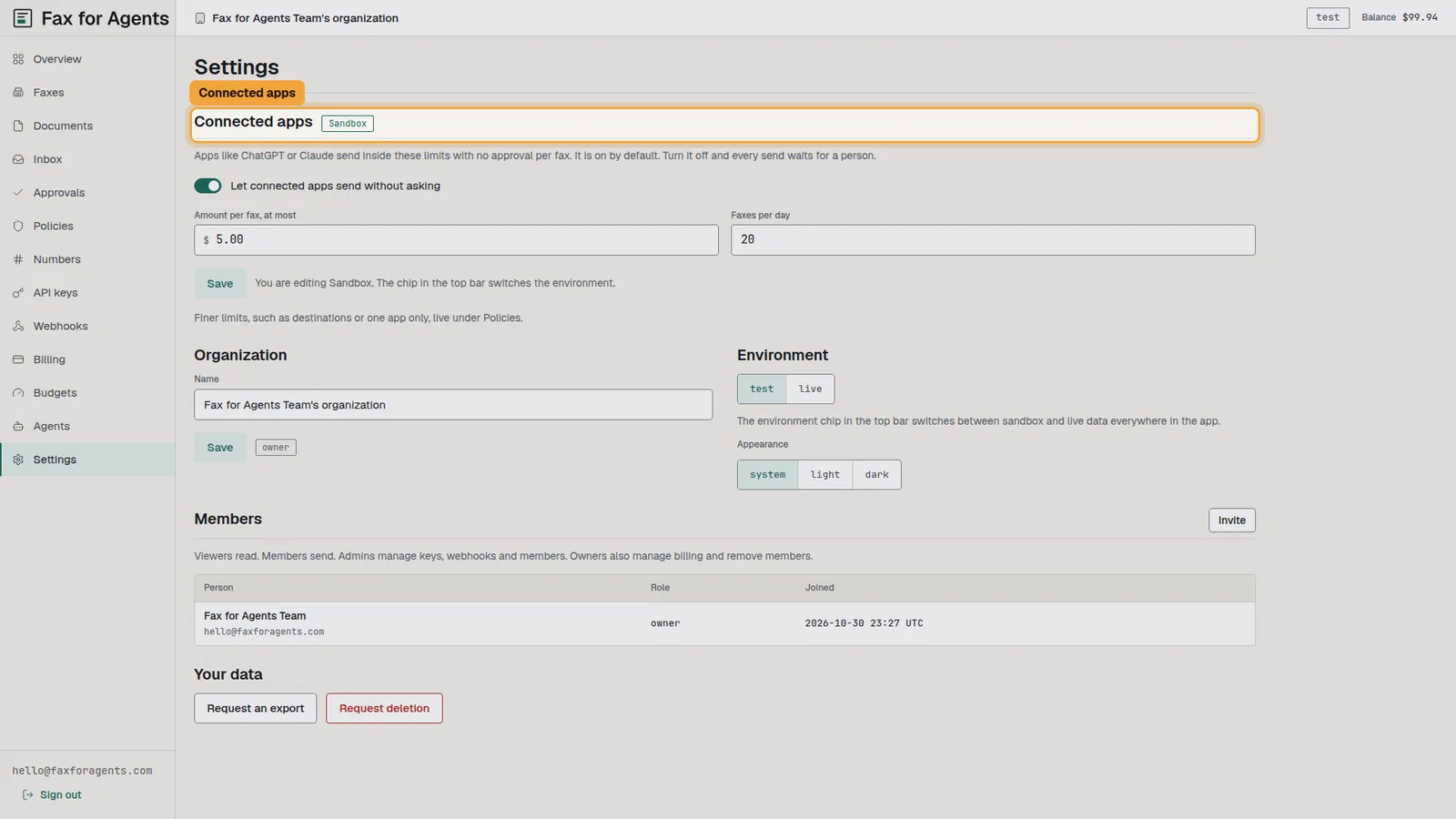
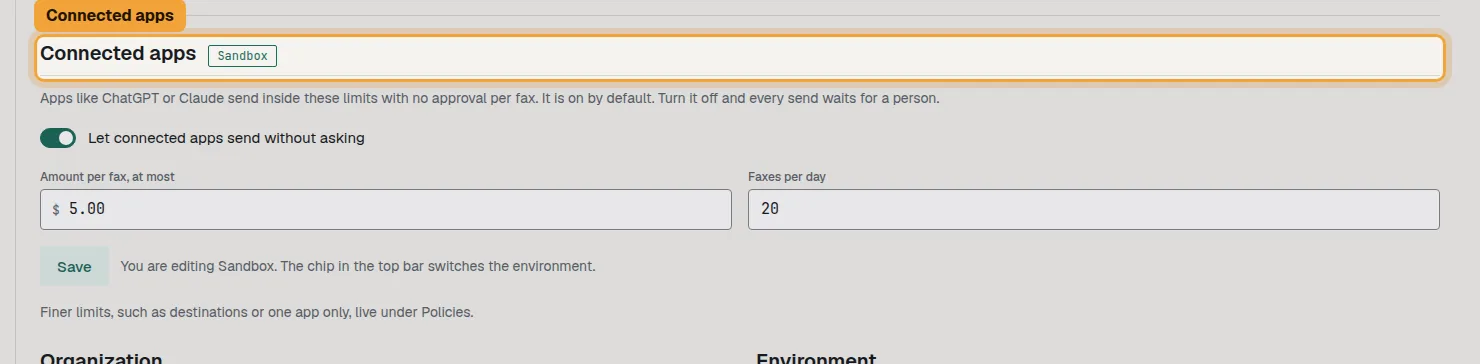
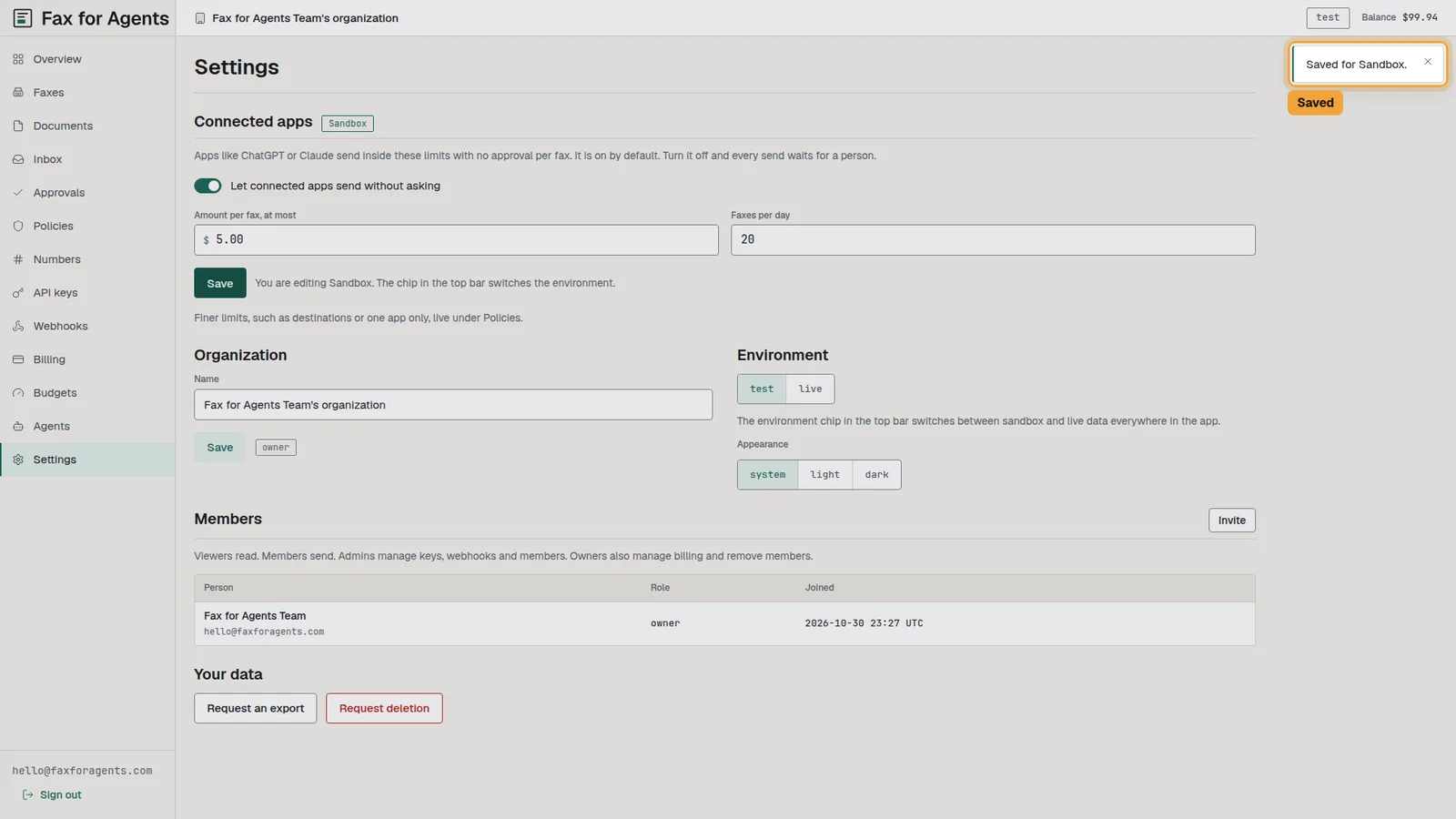
Open the dashboard and select Settings. The first card is Connected apps. The chip at the top right reads test or live, and the card carries the same name, Sandbox or Live.
2.See the switch
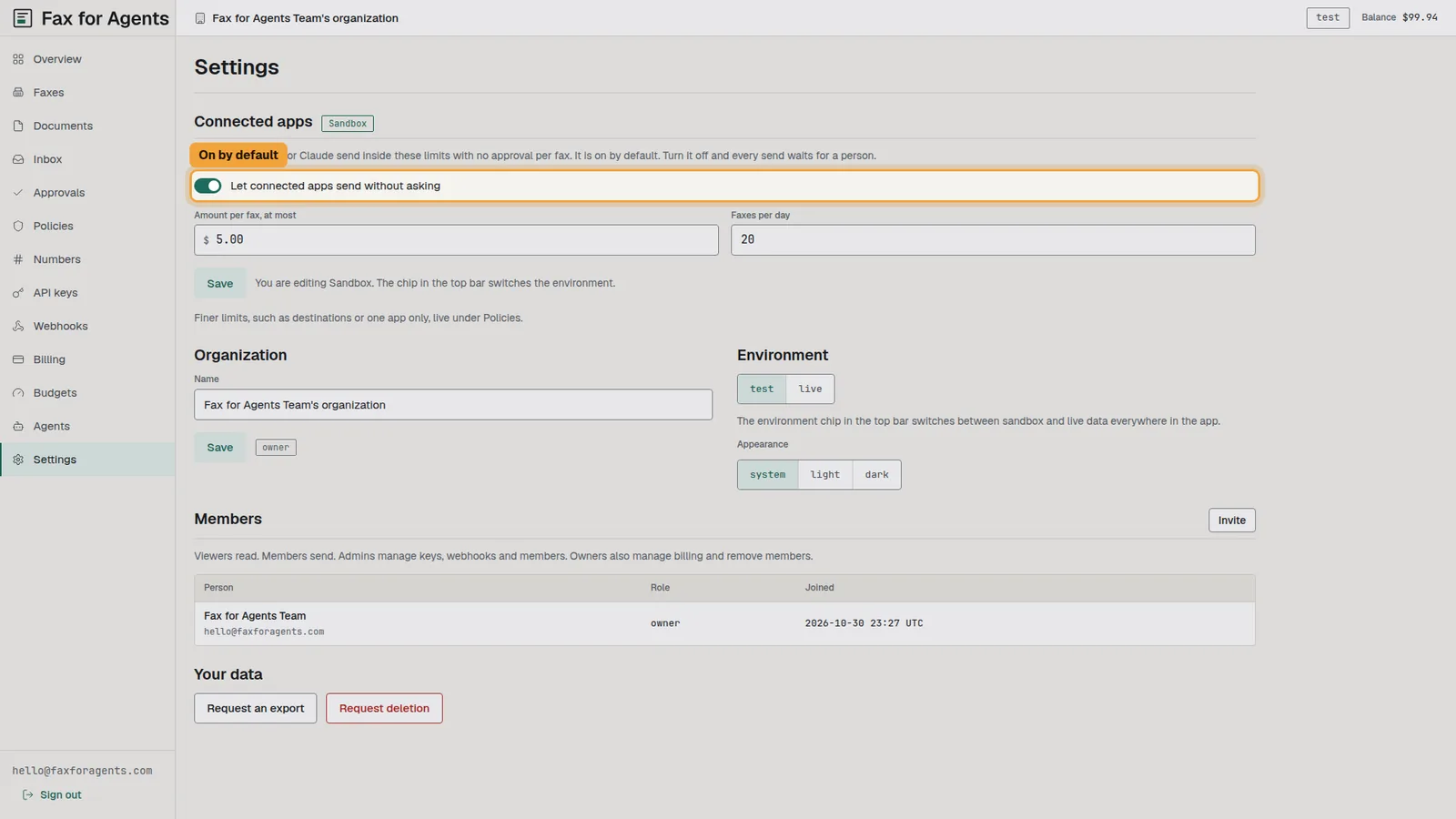
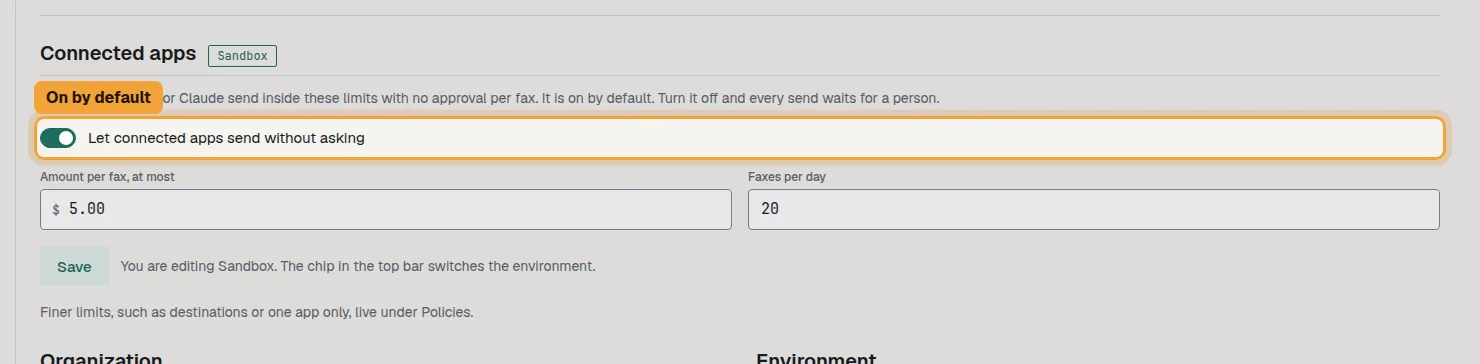
The switch sits under the card text. It is on when you first open the page.
3.Read the limits
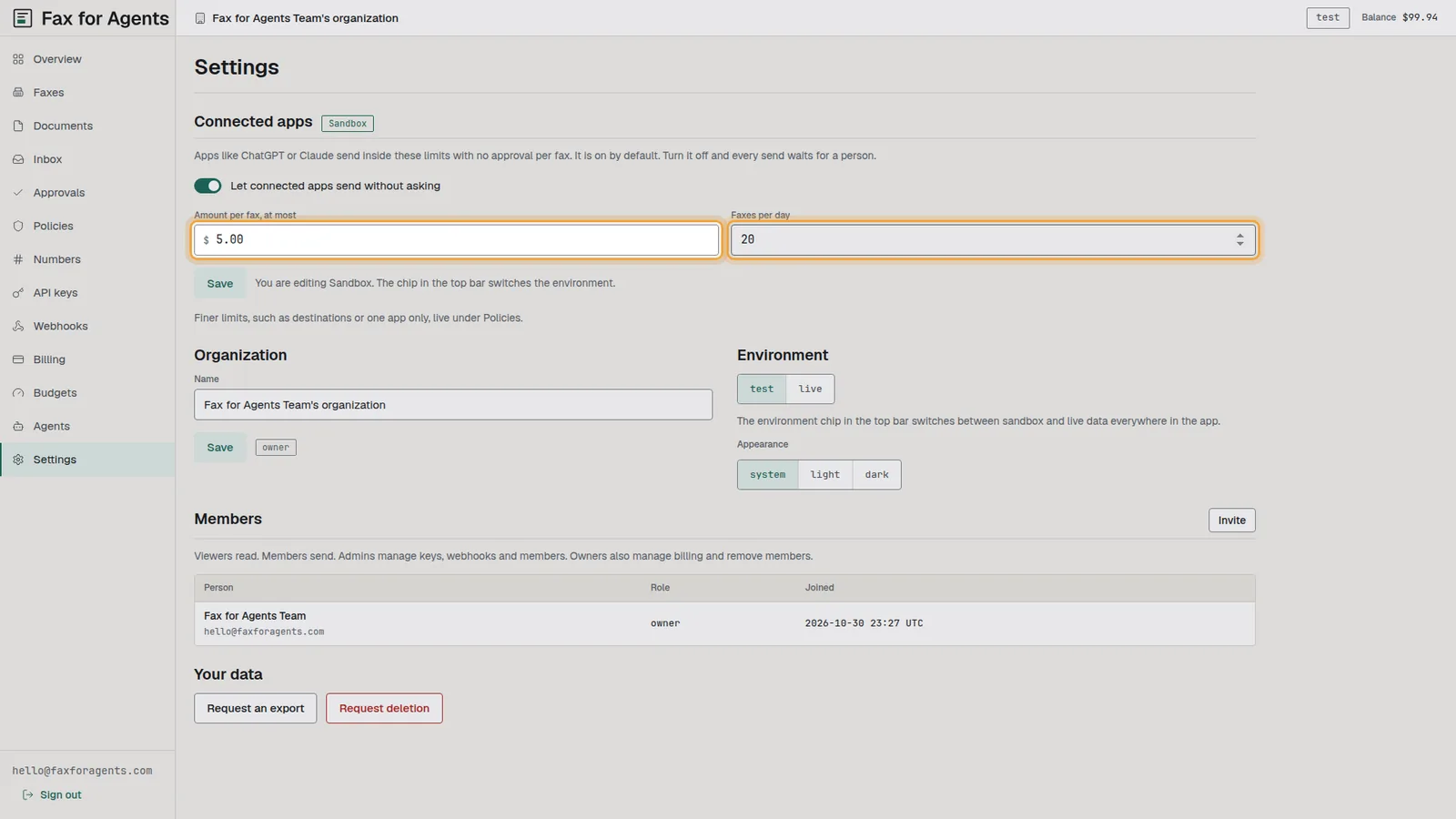
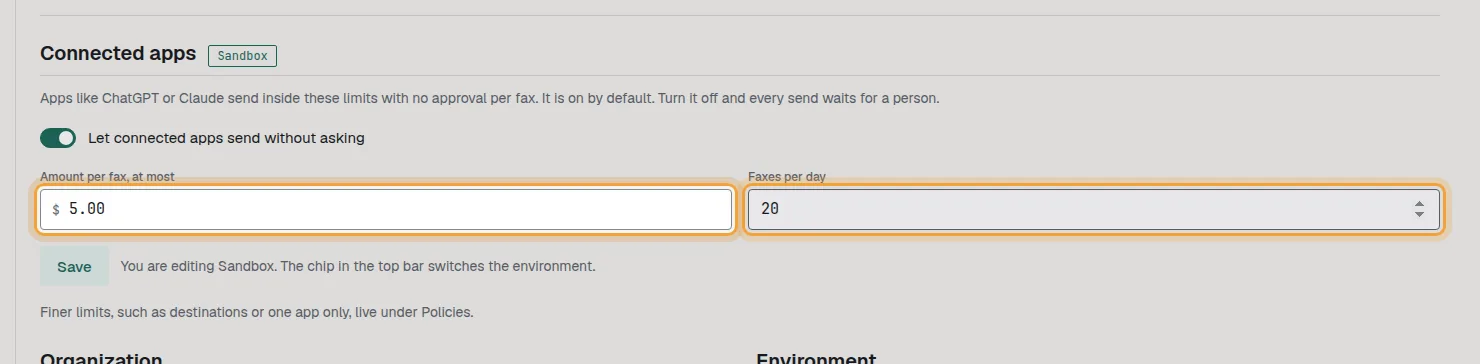
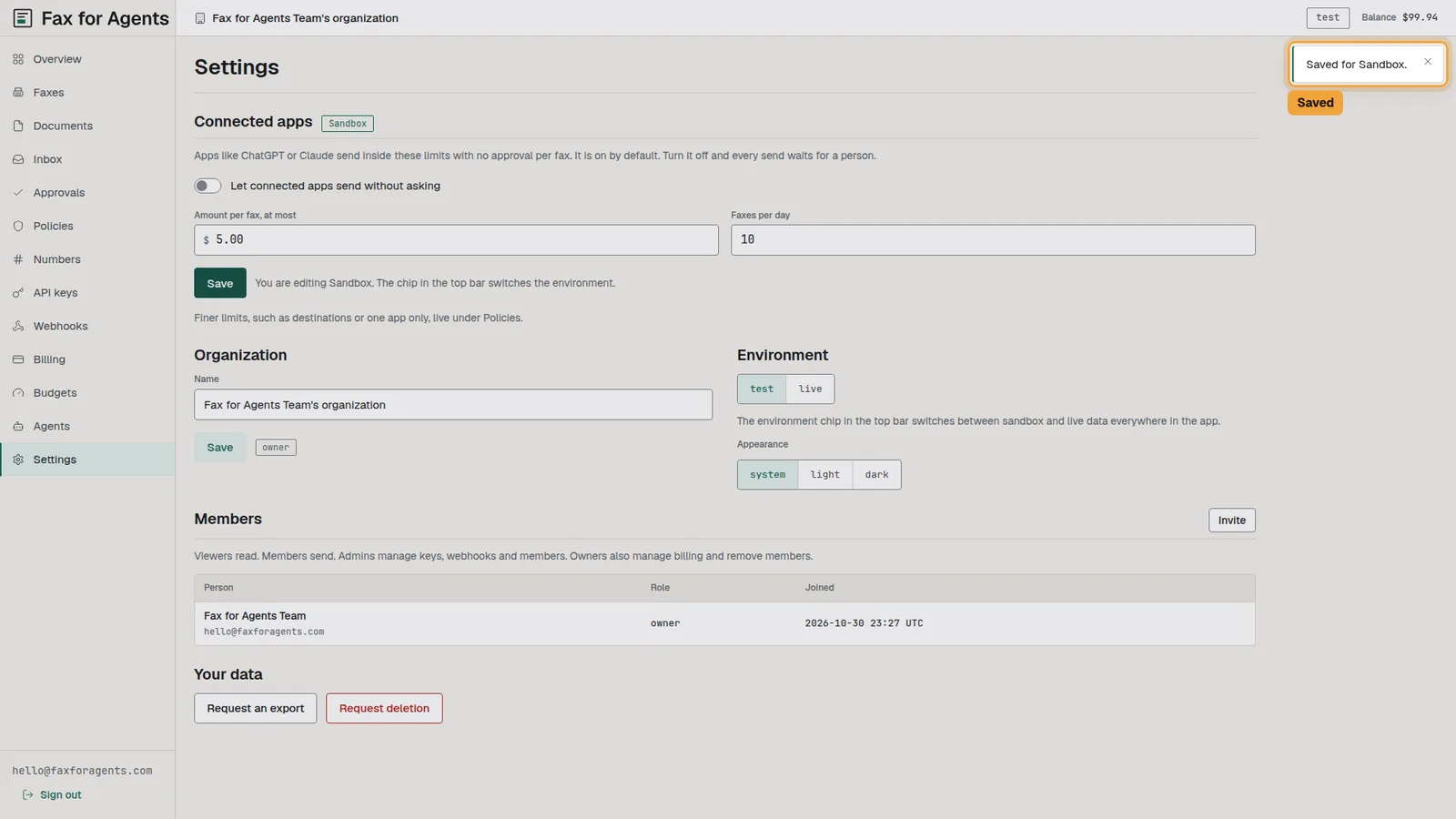
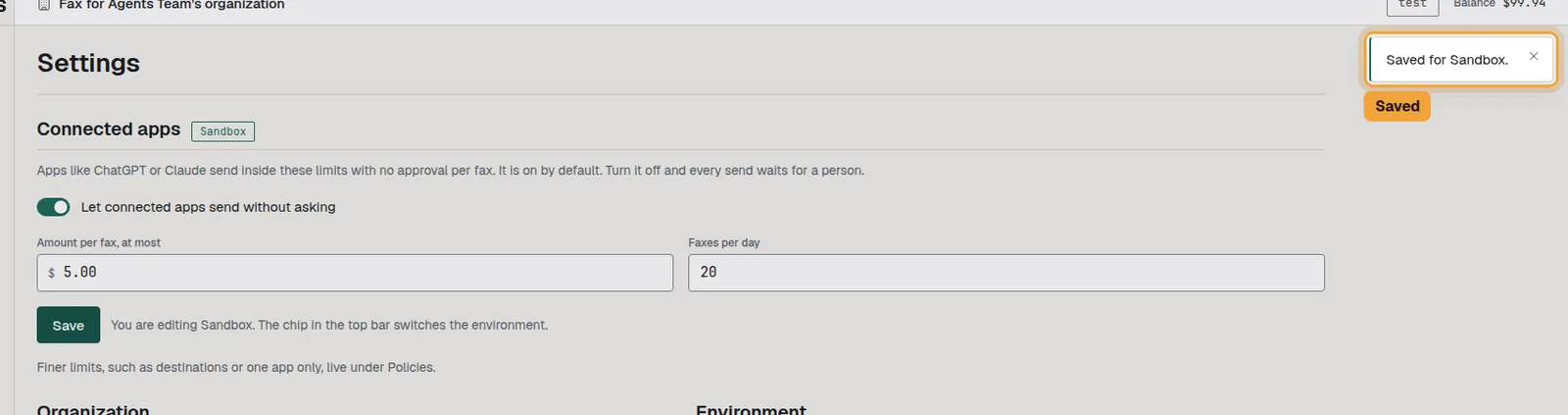
Two fields sit under the switch. The first is the most an app spends on one fax. The second is the count of faxes from all connected apps together, per UTC day.
4.Change a limit and Save
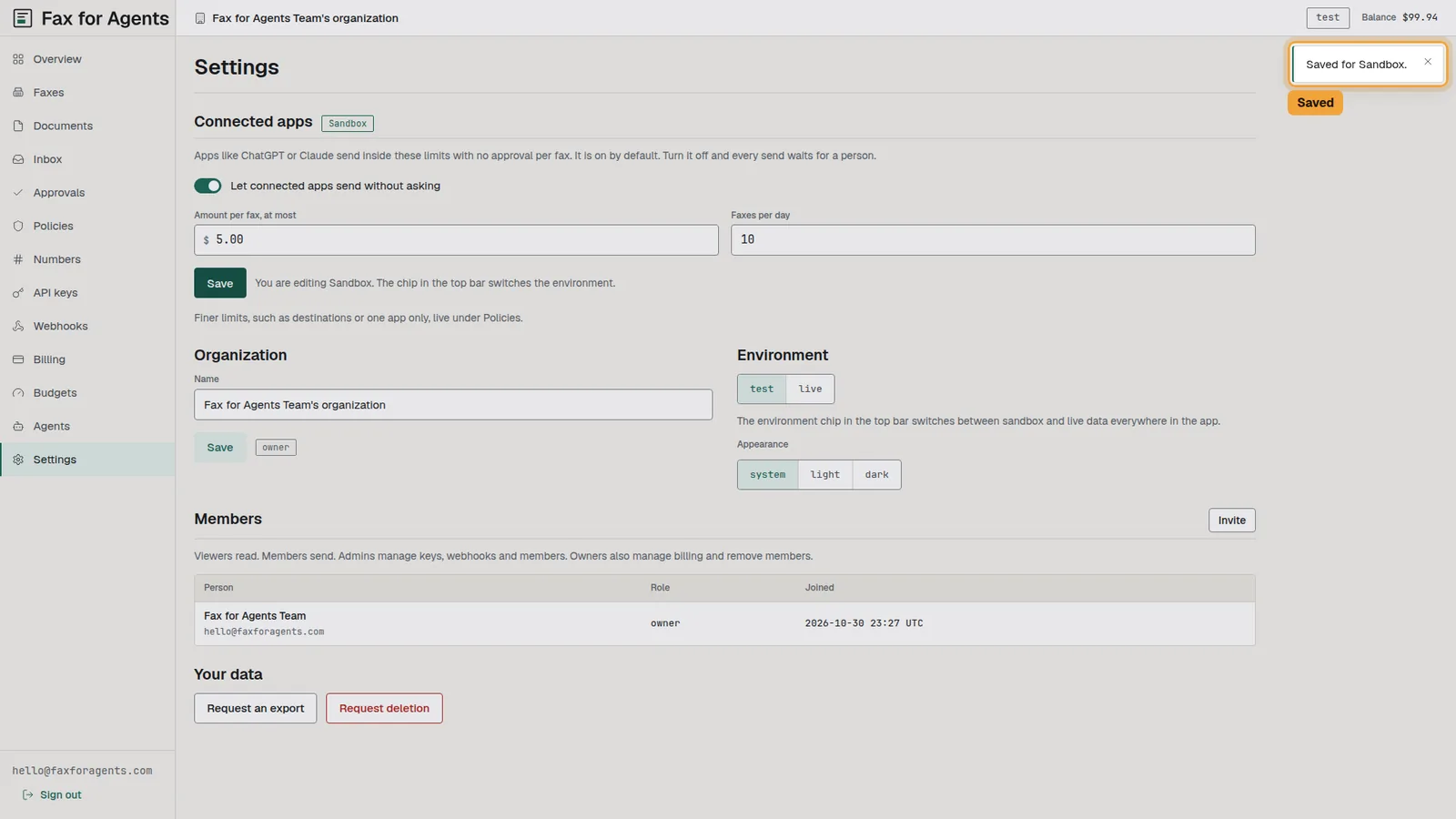
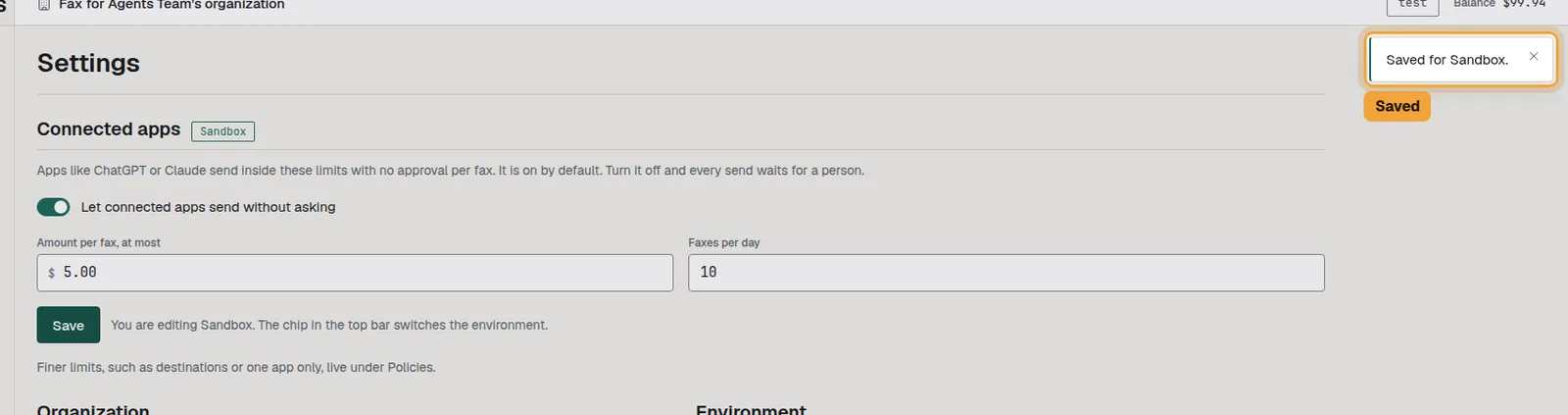
Type a new number in a field. Save lights up once something changed. Select it.
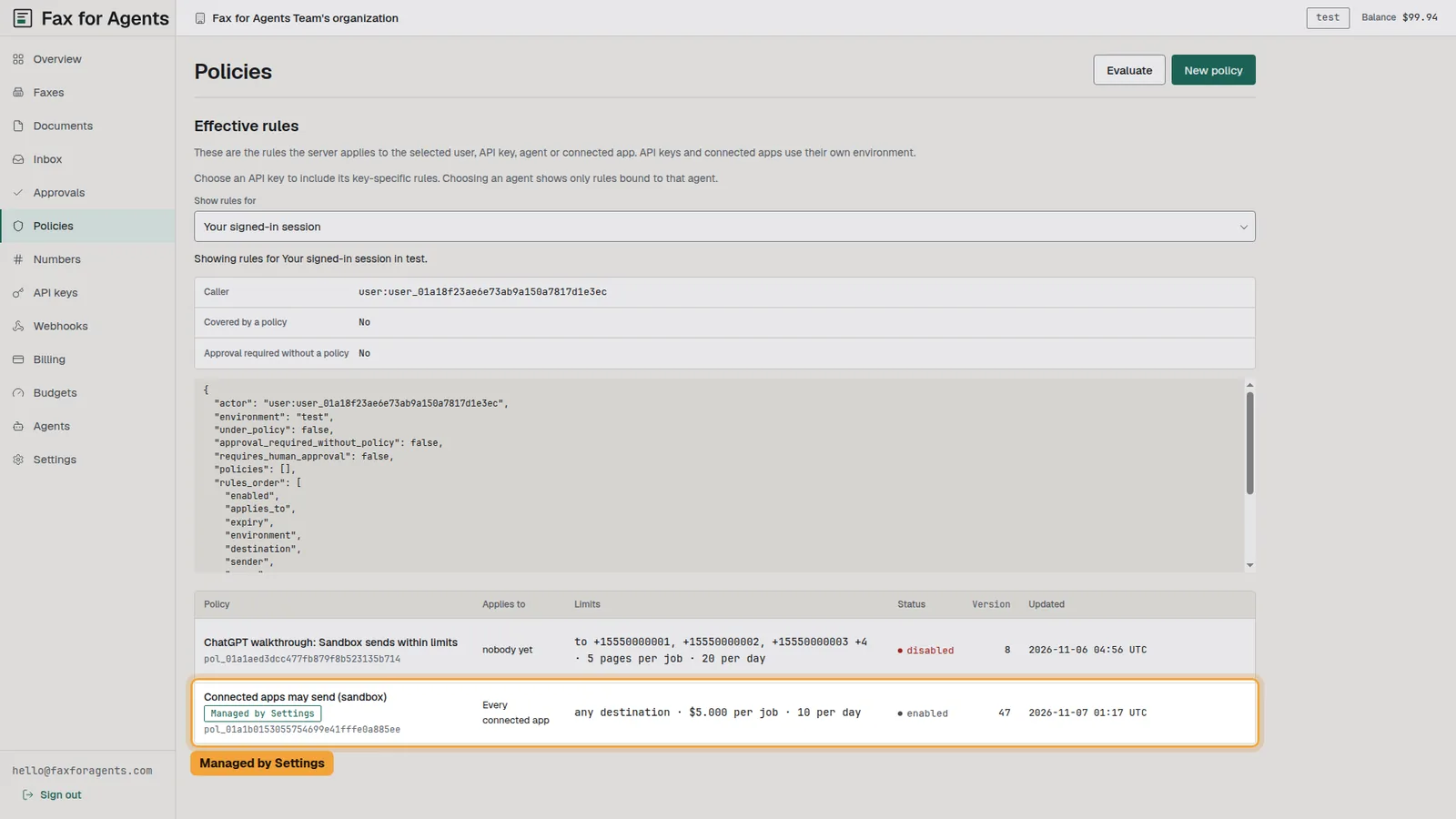
5.Find it under Policies
The setting is also a policy. Open Policies and look for the row with the chip "Managed by Settings". It applies to every connected app, and it has a Settings link instead of New version.

6.Turn the switch off
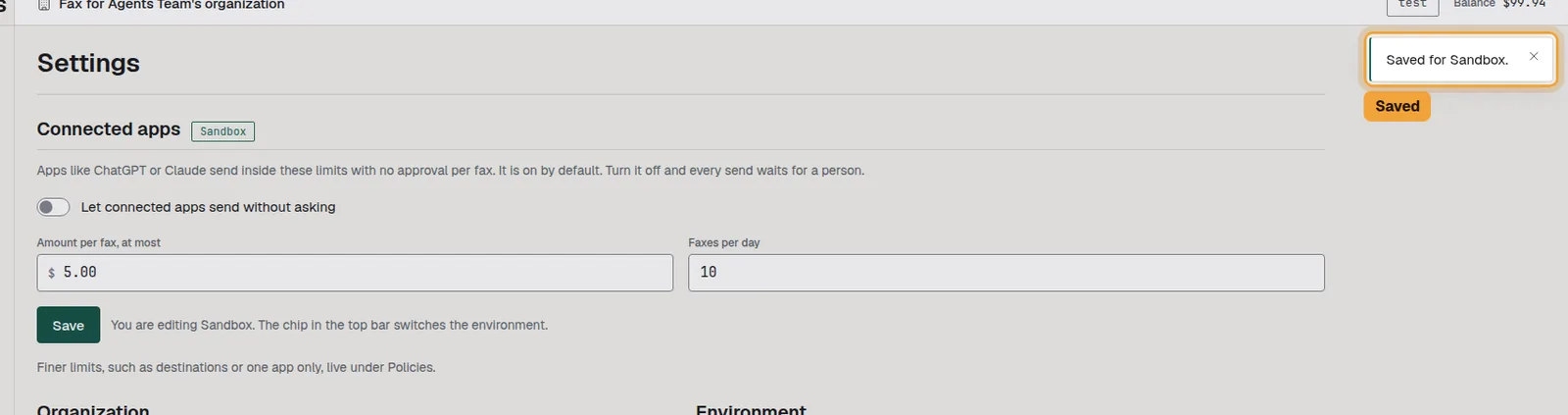
Back in Settings, select the switch so it reads off, then select Save.
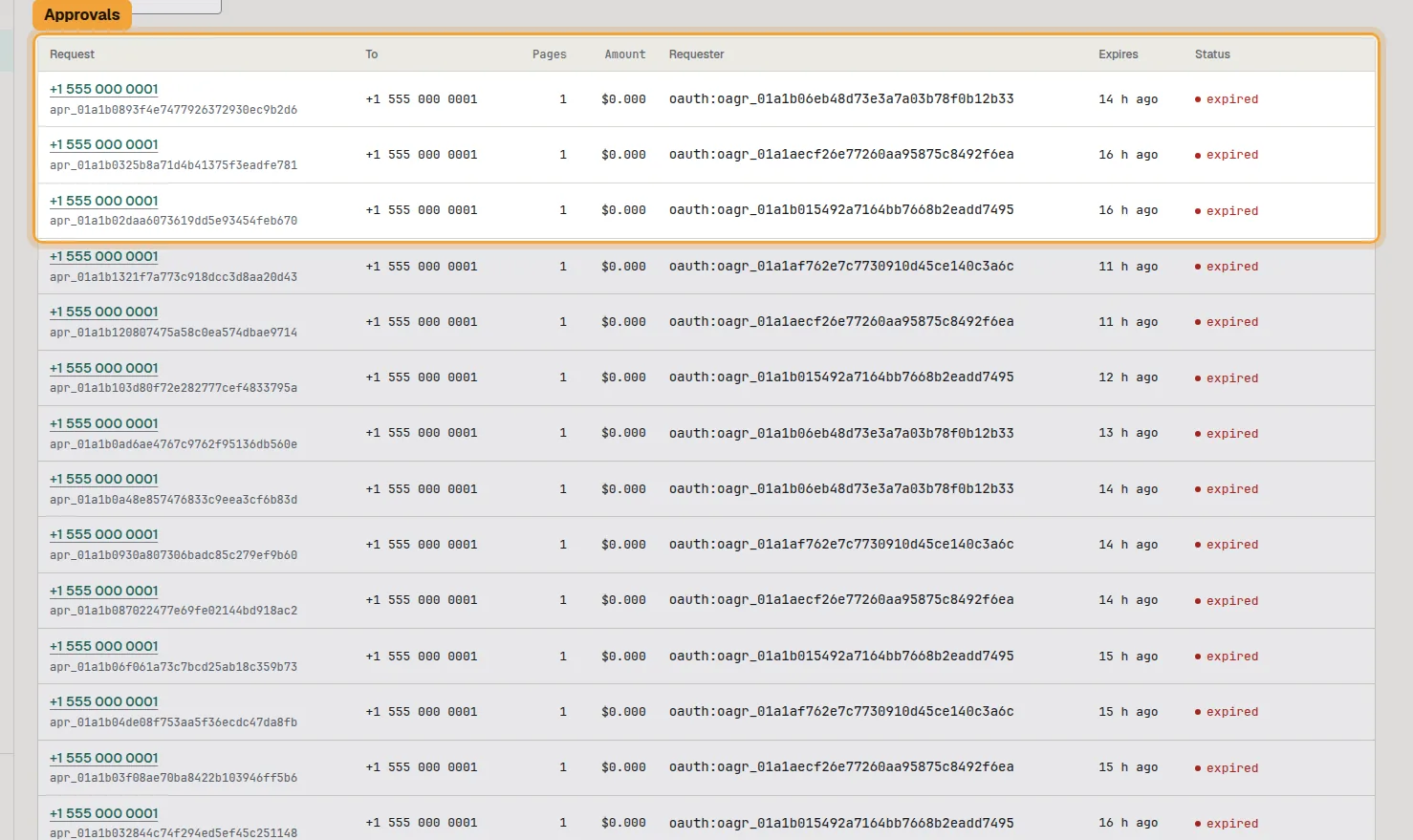
7.See where sends wait
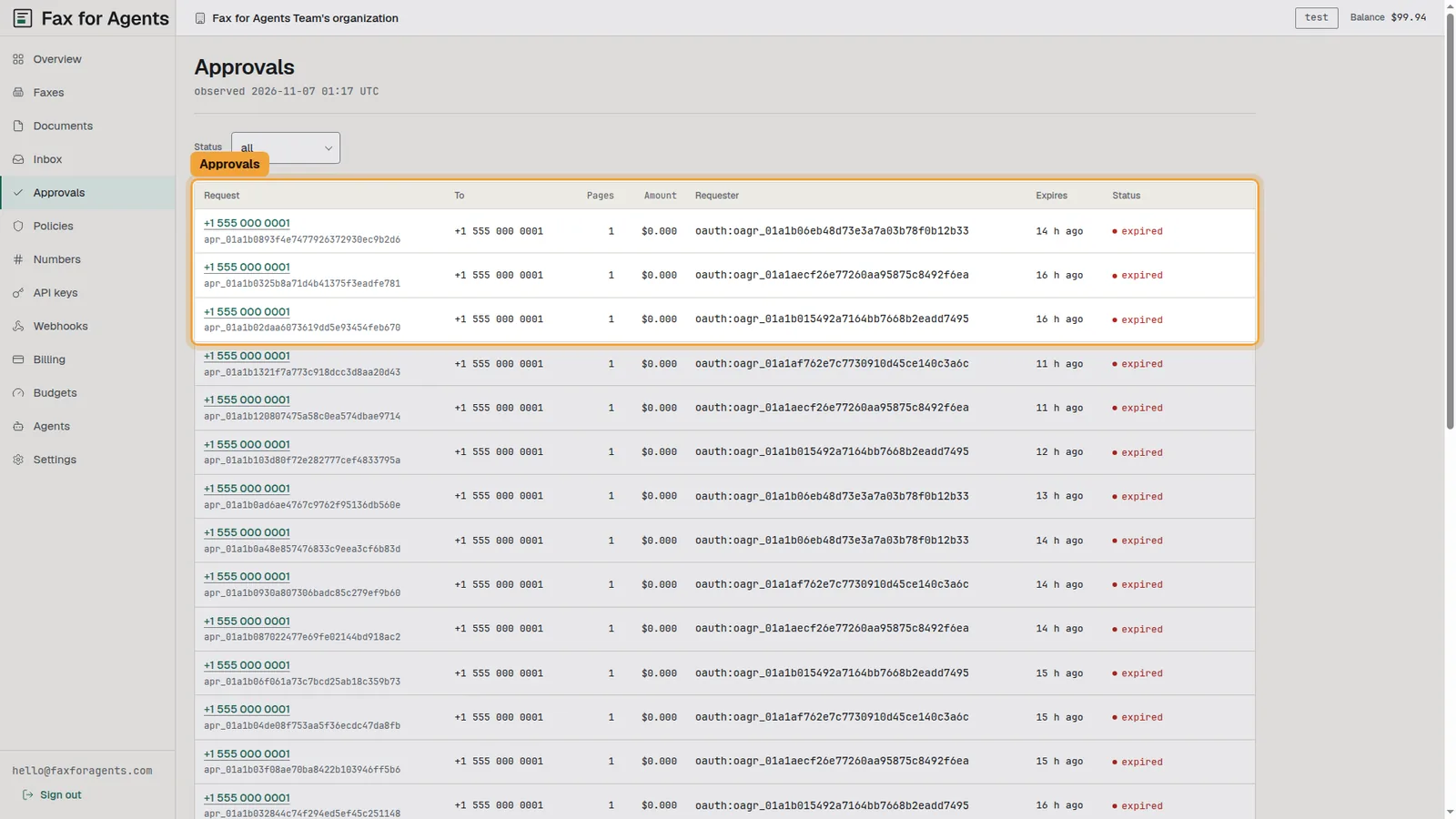
Open Approvals. Each request names the number, the pages, the amount and the app that asked.
8.Turn it on again
Go back to Settings. Select the switch so it reads on, put the daily count back, and select Save.
What the limits mean
The Connected apps card holds one switch and two numbers. "Amount per fax, at most" is the price of one fax, $5.00 by default. A dearer fax is not sent on its own. "Faxes per day" is the count across every connected app, 20 by default, per UTC day. A send inside both limits goes out with no approval per fax. A send outside them asks a person, and so does every send once the switch is off. Each environment has its own card. The chip in the top bar switches between Sandbox and Live. Finer limits, such as destinations or one app only, live under Policies.
Approve every fax instead
- In Settings, turn off "Let connected apps send without asking" and select Save.
- Ask your assistant to quote the fax. The quote says approval is required.
- A person approves the request under Approvals. Then you tell the assistant to send.
The full routine is written up per assistant. See Approve every fax from ChatGPT. See Approve every fax from Claude. See Approve every fax from Claude Code.
Troubleshooting
- Save stays grey. Nothing changed yet. Type a new number or move the switch, and Save lights up.
- The assistant asks a person although the switch is on. Check the chip in the top bar. Sandbox and Live each have their own switch and limits, and the app uses the environment of its connection. Also check the quote against the two limits. A fax above the amount or past the daily count waits for a person.
- The card reads "Owners only. Ask an owner to change it." Your role is member, admin or viewer. Only an owner changes the switch and the limits.
- Save asks you to sign in again. Changing this setting needs a sign-in from the last 15 minutes. Follow the link in the mail and select Save again.
- The Policies row has no New version button. That row is managed by the Settings card. Change it there. The row only shows what the card holds.