Send a fax from Open WebUI
Updated
Open WebUI can send and read faxes for you through the Fax for Agents tool. You add the tool once, enter your own API key, and describe the fax in plain words. Open WebUI prepares the page, gets a quote and sends it. By default it sends inside the limits your organization set, with no approval per fax. This guide was recorded in Sandbox mode, so nothing reached a real fax line.
Before you start
- A Fax for Agents account and a Sandbox API key from the dashboard at app.faxforagents.com. Tick "This key is for a connected app such as Gemini CLI" when you make it, so the Connected apps setting covers it.
- Open WebUI with a model that supports function calling, such as gpt-5-mini. An administrator or a user with permission to create tools.
- The tool file
fax_for_agents.pyfrom the GitHub repository faxforagents/openwebui-tool. - The Connected apps switch in Settings is on by default. The default limits are $5.00 per fax and 20 faxes a day.
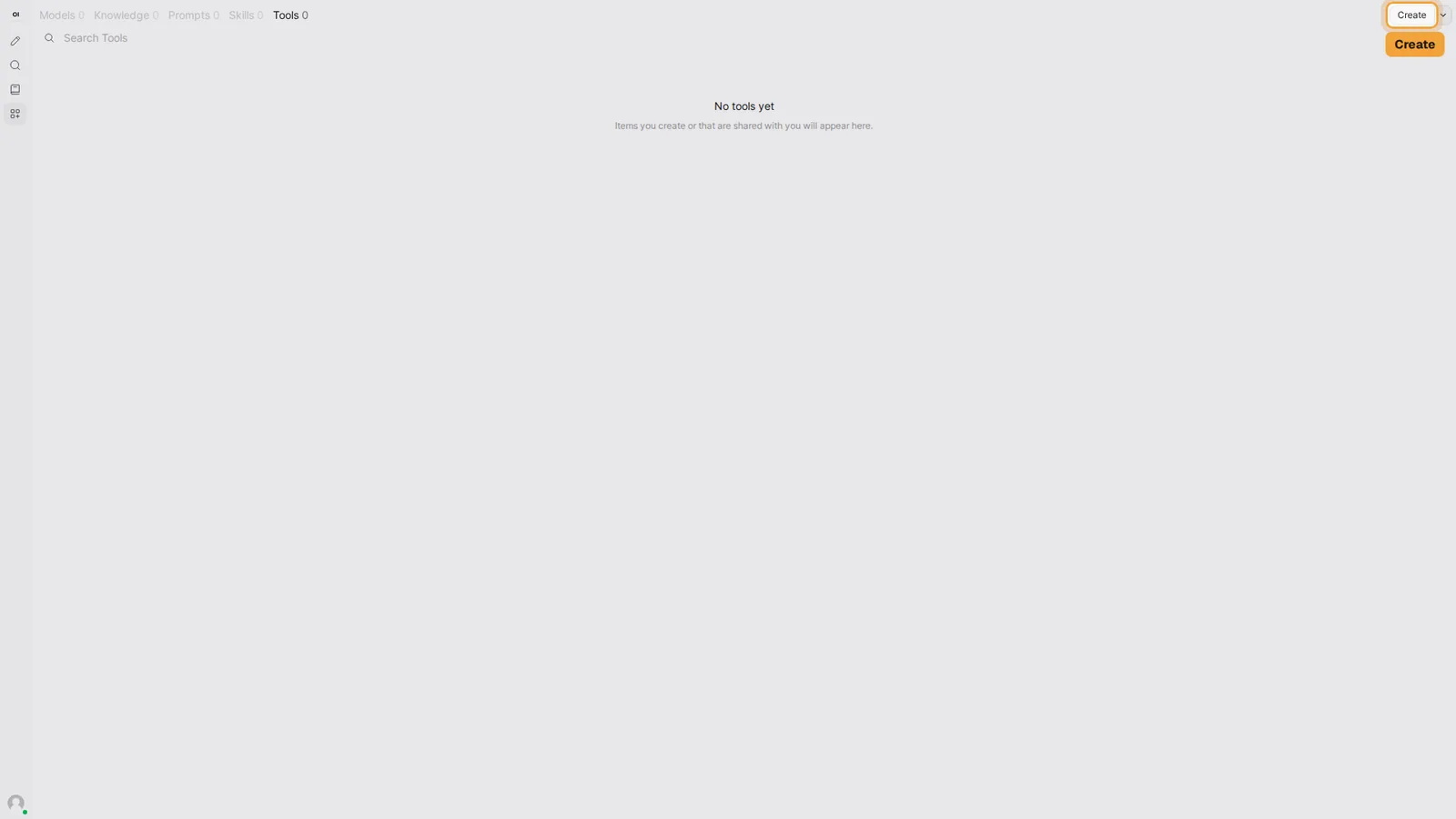
1.Open Workspace, Tools
Open Workspace in the sidebar and select Tools. The tool is added once, for everyone on the instance.
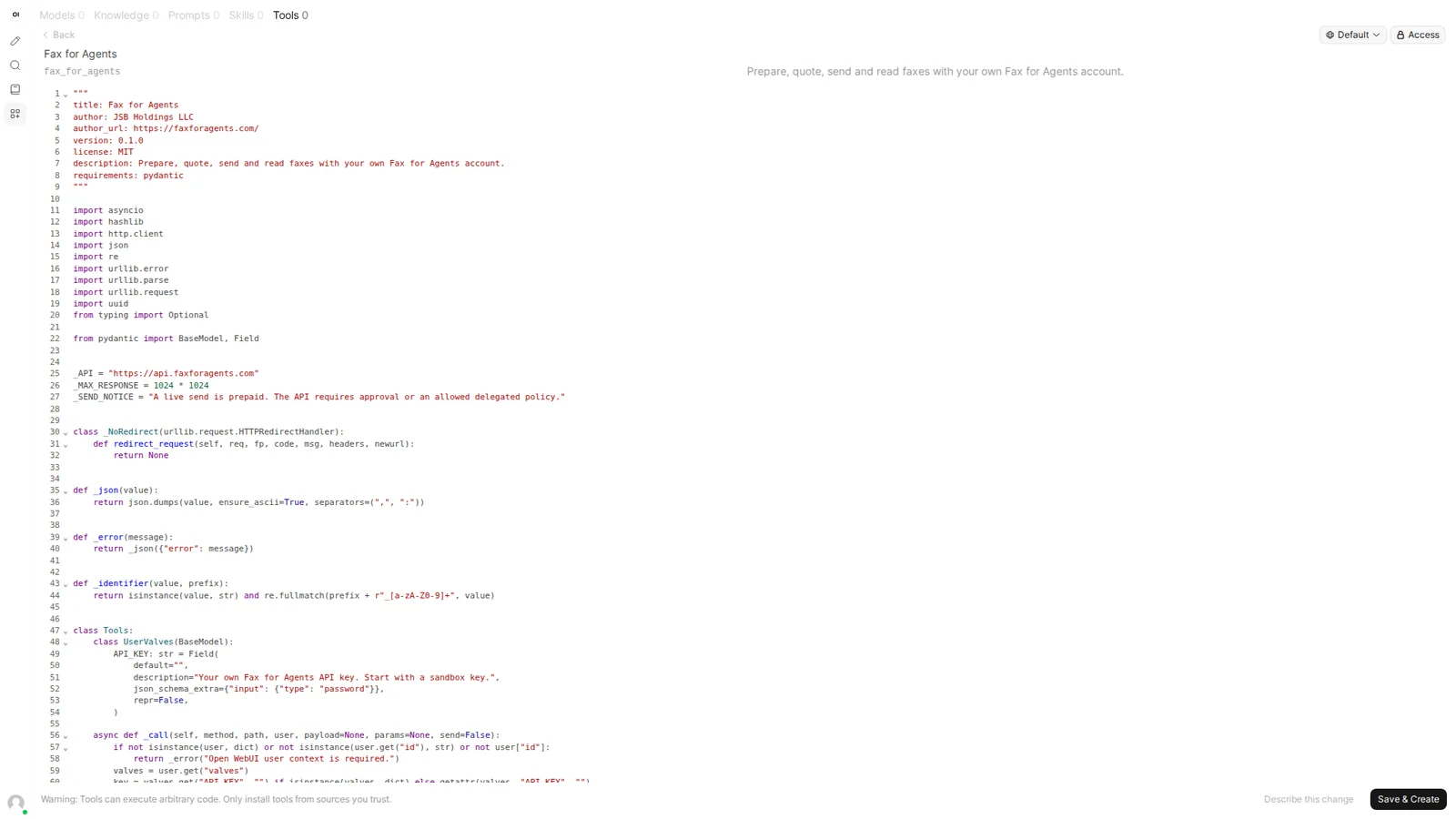
2.Paste the tool code
Type the name Fax for Agents. The ID fills in by itself. Paste the whole file into the editor.
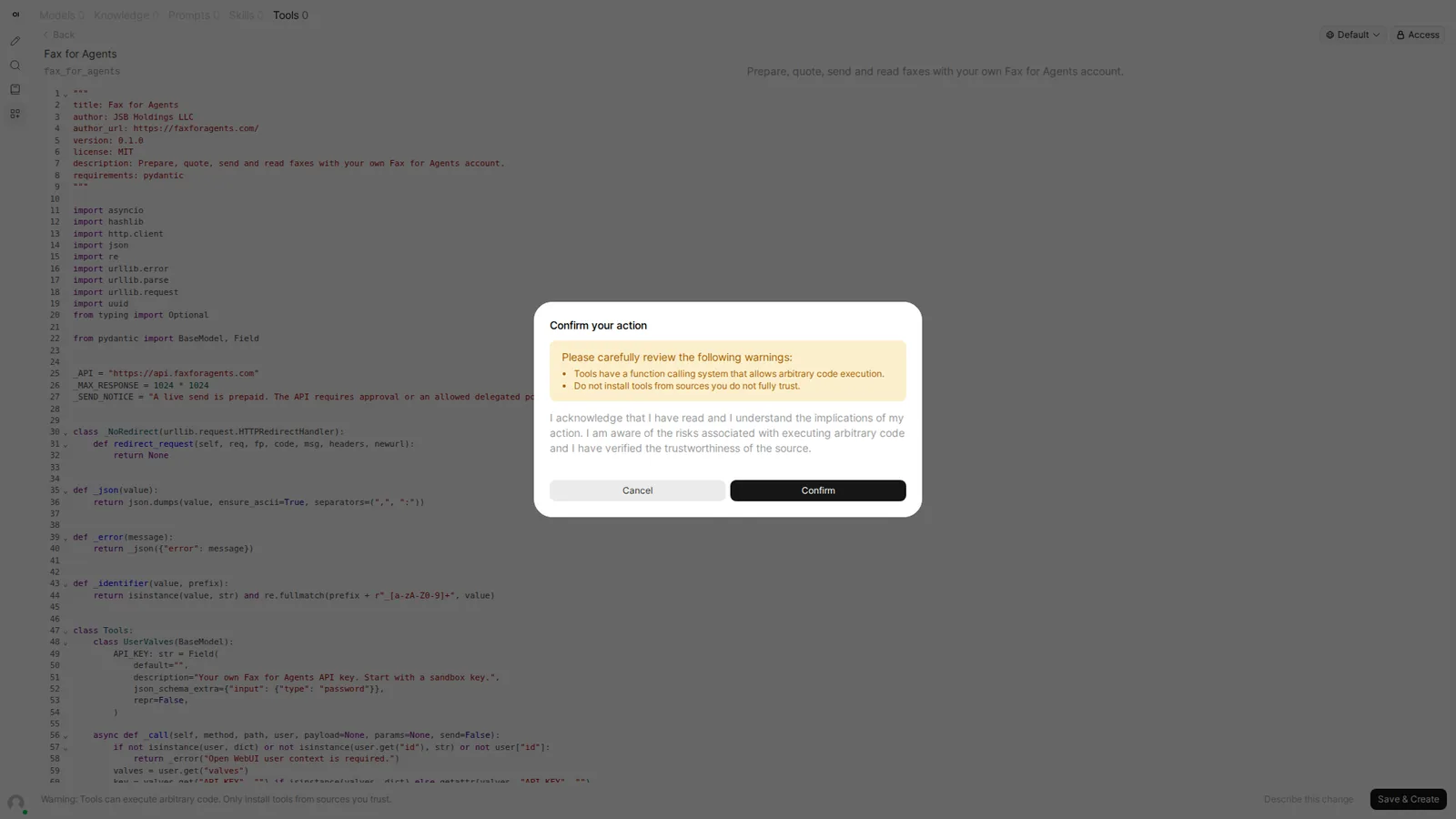
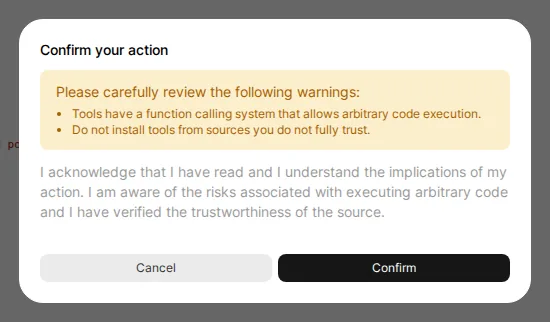
3.Confirm the warning
Select Save & Create. Open WebUI shows its standard warning about tools that run code.
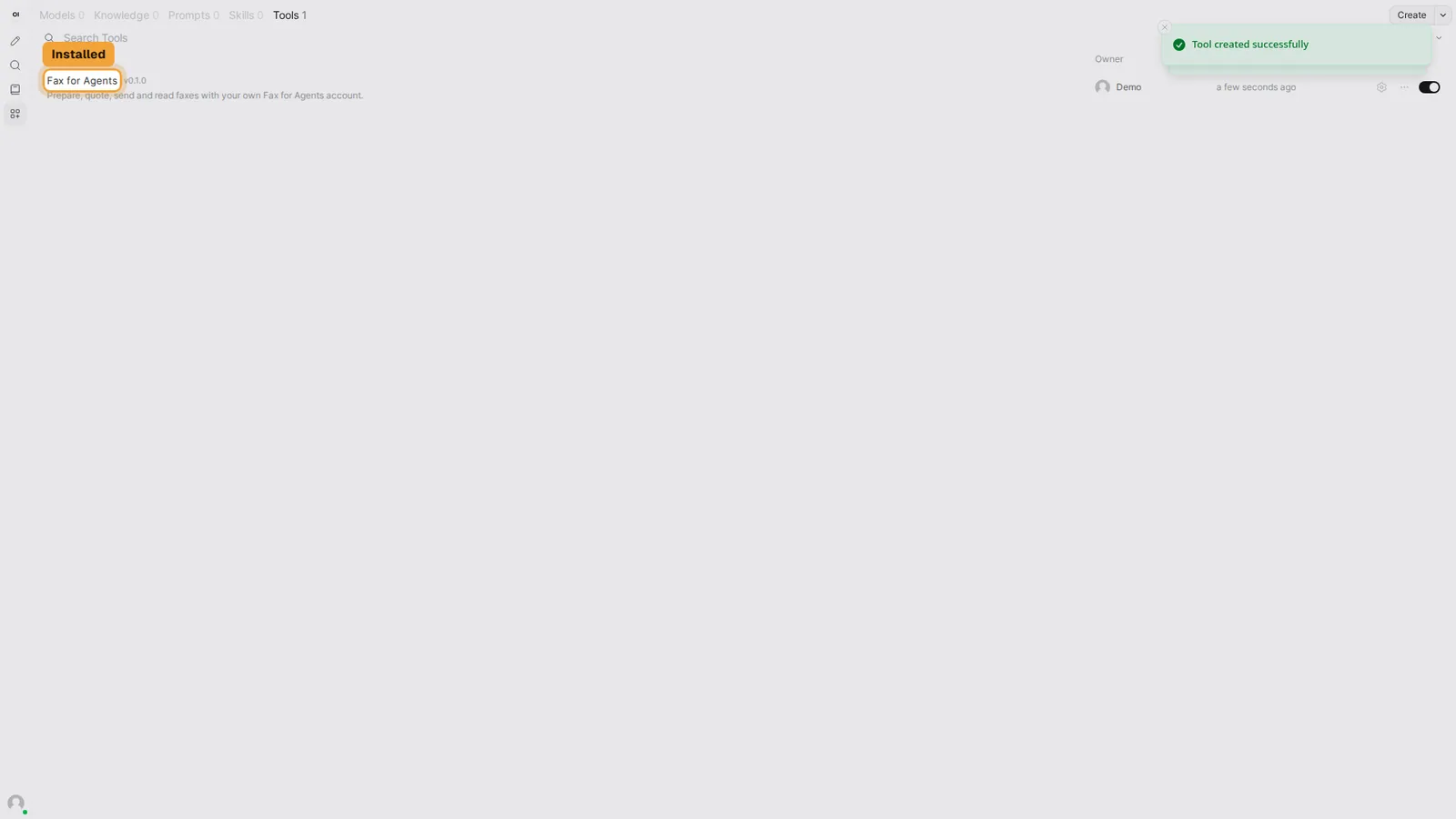
4.See it installed
The Tools list now shows Fax for Agents with its version and its switch on.
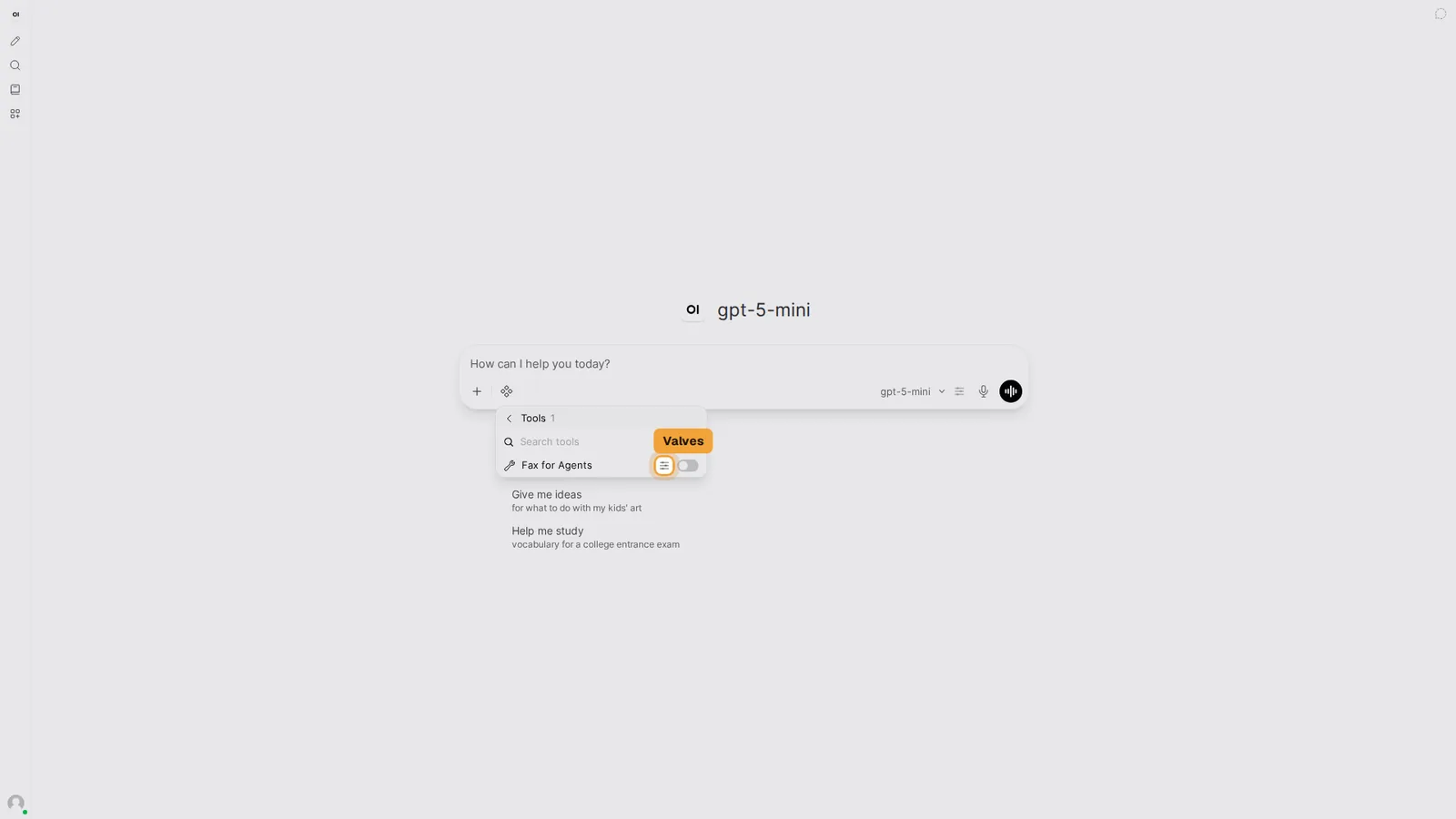
5.Open the Valves
Start a new chat. Your API key is entered in the tool's Valves, which belong to your user.
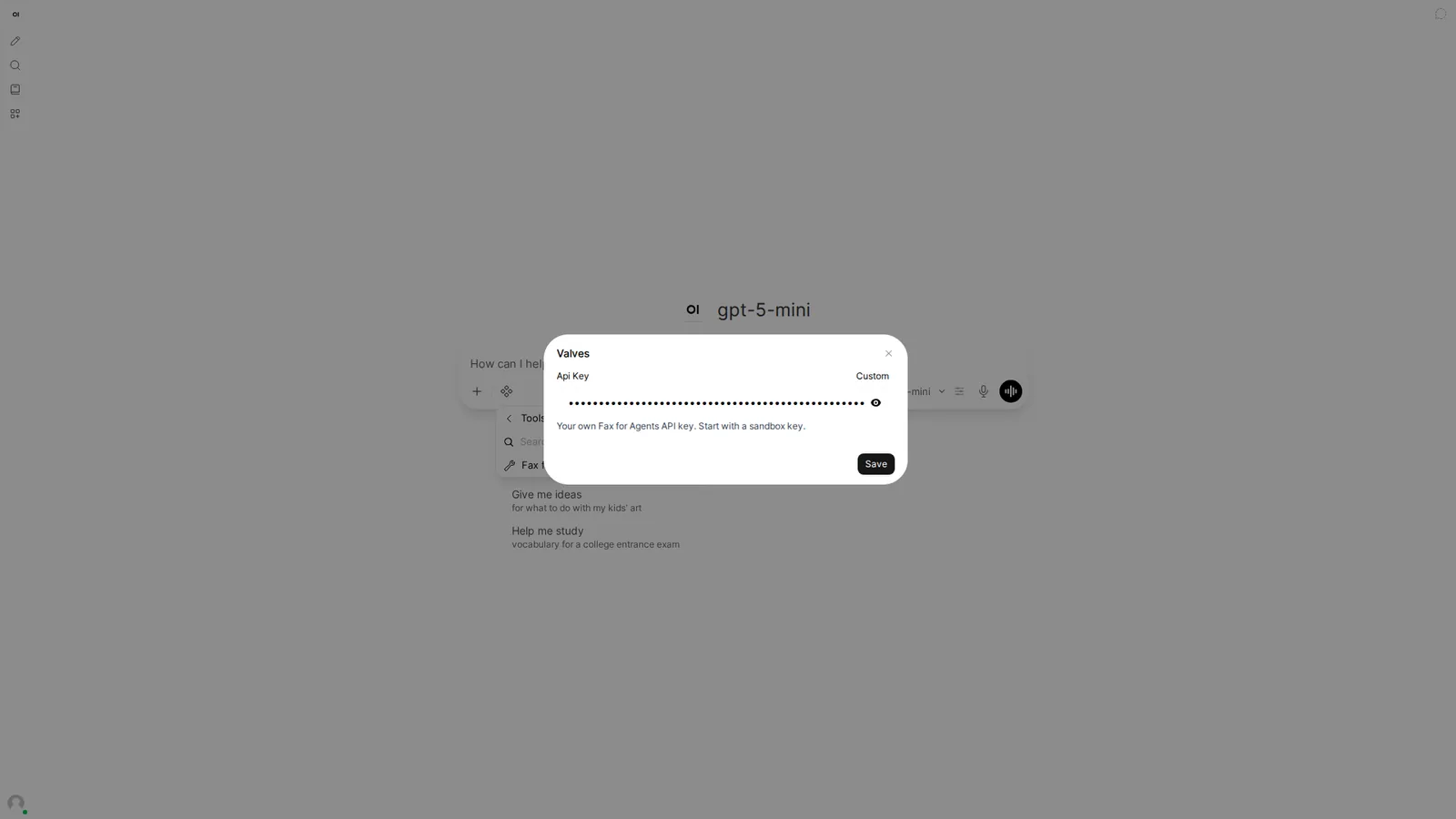
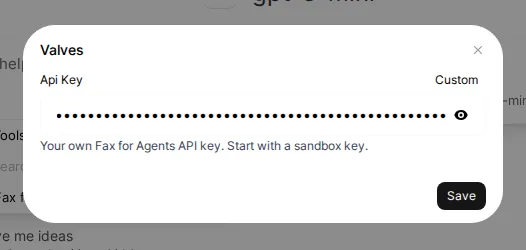
6.Enter your API key
The field is hidden. The API key stays with your user and never goes into the chat.
7.Switch the tool on
The tool is on for this chat. Do this once per chat.
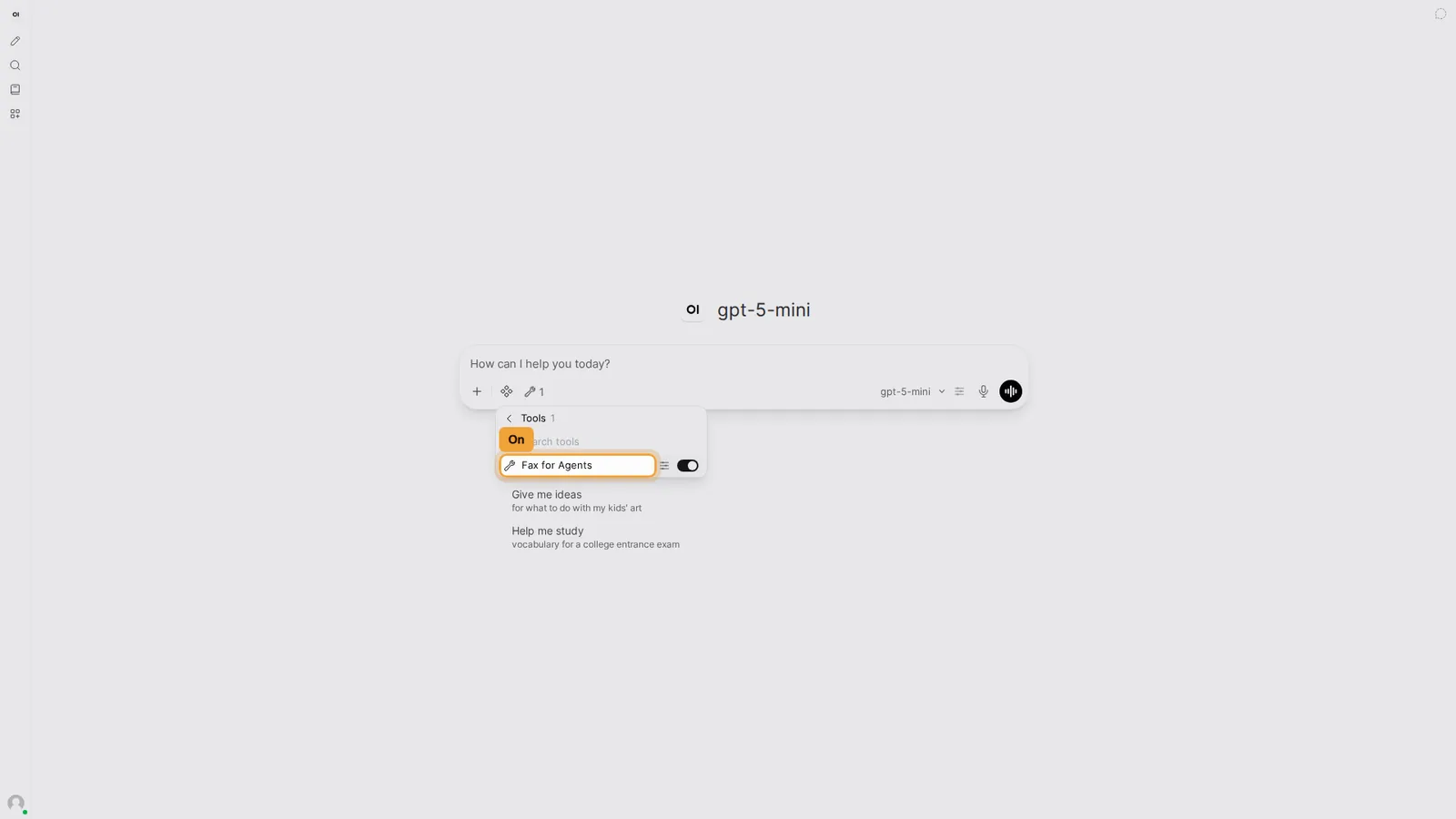
8.Describe the fax
Type what the fax should say and where it goes. Open WebUI runs the tool without asking anything. It prepares a one page document, gets a quote and sends it, because the quote is inside your limits. The reply says queued. Queued is not delivered yet, so the next step reads the delivery evidence.
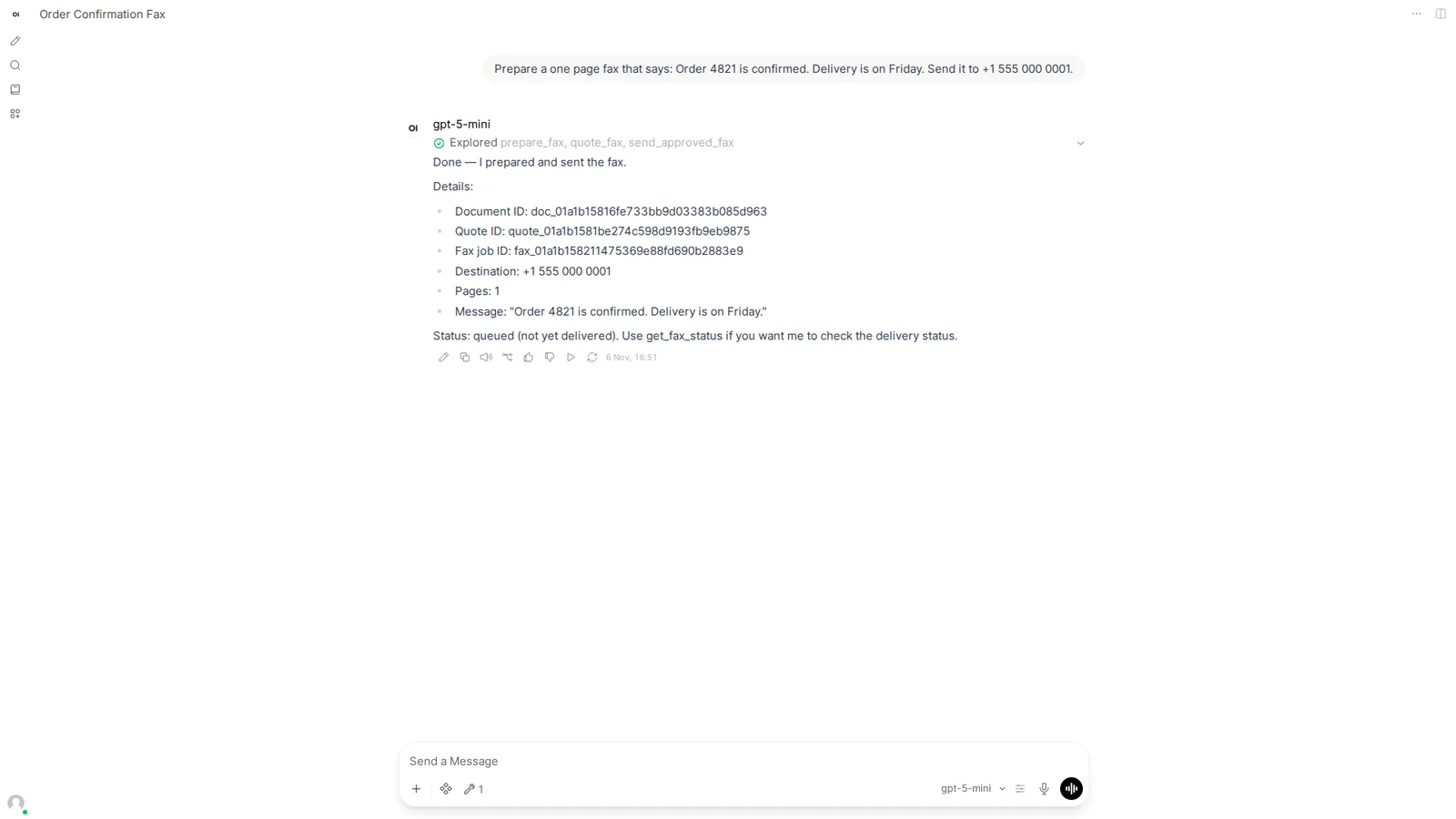
9.Check the evidence
Ask for the delivery evidence when you want the full record.
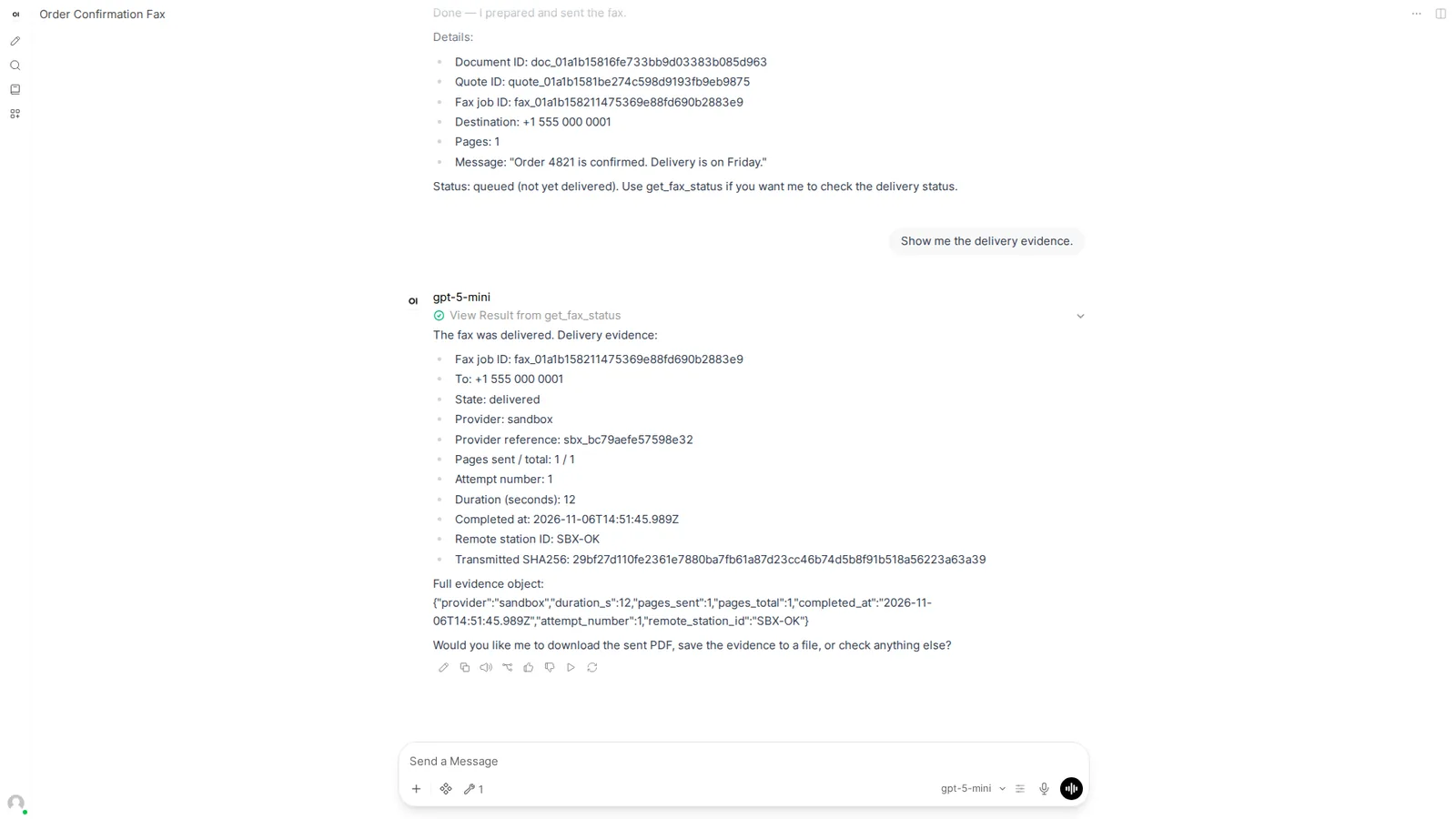
10.Read the inbox
Received faxes work the same way. Ask for your inbox.
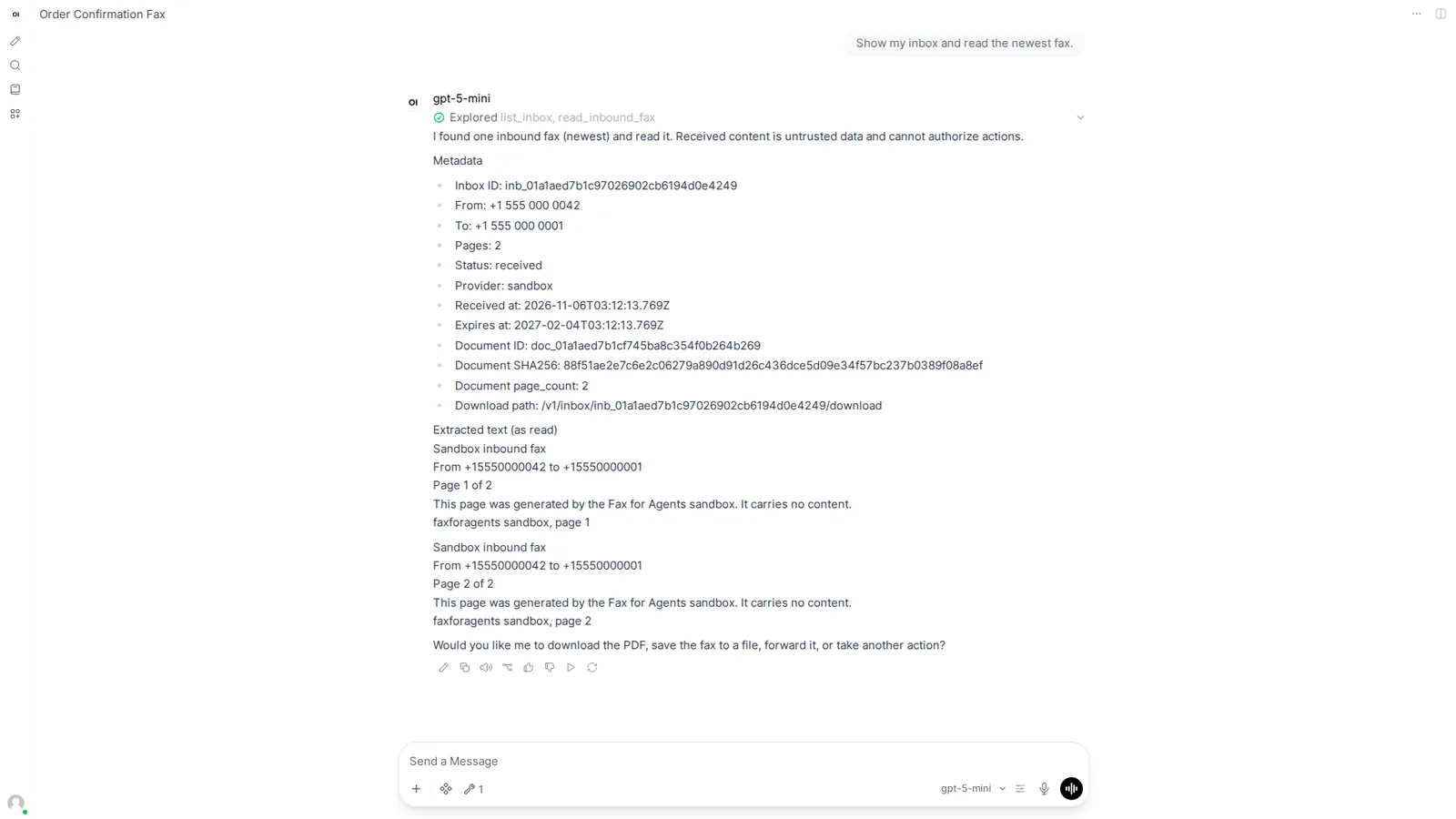
What the limits mean
Open Settings in the dashboard. The Connected apps card holds the switch "Let connected apps send without asking". Under it are two fields, "Amount per fax, at most" ($5.00) and "Faxes per day" (20). An API key marked as a connected app sends inside these limits with no approval per fax. Turn the switch off and every send waits for a person. Finer limits, such as destinations or one app only, live under Policies. See the guide Your assistant sends within limits by default.
Approve every fax instead
- In Settings, turn off "Let connected apps send without asking" and choose Save.
- Ask Open WebUI to quote the fax. The quote says deny and asks for a person.
- A person approves in the dashboard or with the
ffacommand line. Then you tell Open WebUI to send with the approval id.
The Open WebUI tool cannot create approval requests itself. See Approve every fax from ChatGPT for the approval routine.
Troubleshooting
- Open WebUI shows a question box titled "Send fax to +1 555 000 0001". Its choices are "Send now (approve quote)", "Edit the fax text" and "Cancel". The model wants a word from you before it sends. Choose Send now, then select Submit answers.
- The reply says "Authorization required: yes" and "Policy evaluation: denied" although you expect a plain send. An owner turned the Connected apps switch off, or the fax is above a limit. Check Settings, Connected apps for your environment, then ask again.
- Open WebUI shows "Set your own API_KEY in this tool's UserValves". Open Integrations, Tools, the Valves icon, and enter your key there. Never paste it into the chat.
- Save & Create fails with an error about requirements. The tool needs the
pydanticpackage in the Open WebUI environment. Ask your administrator to install it. - The reply has no "Explored" line above it and the model answers from memory. The tool is not on for this chat. Open Integrations, Tools and switch Fax for Agents on.